Shared vs VPS vs cloud hosting — which one does a beginner actually need? The short answer: shared hosting, for the vast majority of first websites. The long answer — when to upgrade, how much each really costs in India, and how the upgrade trap wastes money — is what this guide covers, with verified prices (last checked 2026-10-14) and no jargon.
This guide is based on analysis of public specs, user reviews, and official pricing data from the hosts’ own pages — not personal testing. Prices change with promotions, so the final figure at checkout is always the authority.
Research methodology
Plan prices below come from the official pricing pages of the hosts named (Hostinger India and MilesWeb), re-verified in a live browser on 2026-10-14. Both hosts display prices excluding 18% GST, which is added at checkout. Freshness note: our hosting comparison tool was refreshed on 2026-10-14 with these same figures (₹499/mo intro, ₹979/mo renewal) — the tool and this article now agree. The live verified figures are printed in this article: ₹1,499 → ₹499/mo on the 36-month term, renewing at ₹979/mo. When sources conflict, the live official page wins — and we say so instead of smoothing over the difference.
The simple analogy: a rented room, a flat, or a flexible office
Housing makes hosting types intuitive:
- Shared hosting = renting a room in a shared flat. Kitchen, bathroom, and electricity are shared; the landlord (the hosting company) handles all maintenance. It’s cheap, and you don’t worry about plumbing. But if your flatmate throws a party every night (a heavy-traffic site on the same server), everyone feels it.
- VPS hosting = your own rented flat in the building. Separate kitchen, separate meter — neighbours can do what they like without affecting you. Costs more, and either you maintain it (unmanaged) or you pay the landlord to maintain it (managed).
- Cloud hosting = a flexible serviced office. Your workspace is spread across multiple buildings — if one building has a problem, another absorbs you. Need more rooms during a busy month? They appear. Need fewer afterwards? They shrink. The most flexible, but the billing can be harder to predict on pay-as-you-go models.
Comparison table: everything at a glance
| Factor | Shared Hosting | VPS Hosting | Cloud Hosting |
|---|---|---|---|
| Typical price range | ₹69–500/mo | ₹500–2,500/mo | ₹499–3,000+/mo |
| Server control | None — the company manages everything | Root access (managed or unmanaged) | Scaling via control panel, little technical work |
| Traffic capacity | A few thousand visitors a day comfortably | Medium-to-high traffic, heavy apps | Traffic spikes and high-traffic sites |
| Who maintains it | The company (you just run your website) | You, or the company on a managed plan | Mostly the company; you control scaling |
| Best for | Blogs, portfolios, small business sites | Growing stores, agencies, multiple heavy sites | Viral traffic, SaaS, serious e-commerce |
These are typical market ranges, not quotes — the exact figure depends on the host and plan. For a real plan-by-plan comparison, see the hosting comparison tool.
How long shared hosting is enough
This is the most important question, because 99% of beginners start here — and they should. Practical signals that shared hosting is still fine:
- Up to 2,000–3,000 visitors a day: good shared hosting (Hostinger’s SSD plans, MilesWeb Starter at ₹69/mo) handles this comfortably, especially with a caching plugin.
- 1–3 normal websites: a blog plus a portfolio plus a small business site run fine together.
- Resource dashboard is green: every host’s control panel shows CPU/RAM usage. Until it turns red regularly, there is no reason to upgrade.
Guidance, not a guarantee: these thresholds depend heavily on how well your site is optimised — image sizes, caching, how heavy your theme is. An optimised blog can serve 5,000 daily visitors on shared hosting; an unoptimised heavy site can feel slow at 500.
5 clear signals it’s time to move to VPS or cloud
Upgrade only when you see signals, not out of FOMO:
- The site is slow or down repeatedly — even after caching and optimisation.
- Resource limits keep turning red in the control panel (CPU, RAM, I/O).
- Traffic is consistently high — 5,000+ visitors a day with a growing trend.
- Multiple heavy websites — several client sites, or a WooCommerce store where every second counts.
- Special needs — you must install custom software or need root access, which only VPS/cloud provide.
The cloud example: MilesWeb Cloud Startup at ₹499/mo (verified 2026-10-14)
Cloud hosting sounds expensive, but entry-level managed cloud is closer to shared pricing than most people expect. MilesWeb’s Cloud Startup shows a ₹1,499 → ₹499/mo offer on the 36-month term, verified on the live official page on 2026-10-14:
- Renewal: ₹979/mo on the 36-month term (total ₹17,964) — the same-renewal guarantee the plan used to advertise is no longer on the page, so budget for the higher number.
- 18% GST is extra — the page states “Displayed prices do not include GST (18%)”.
- Free domain for 1 year + free SSL included.
- 24/7 support in Hindi (verified) — the standout advantage for non-technical site owners.
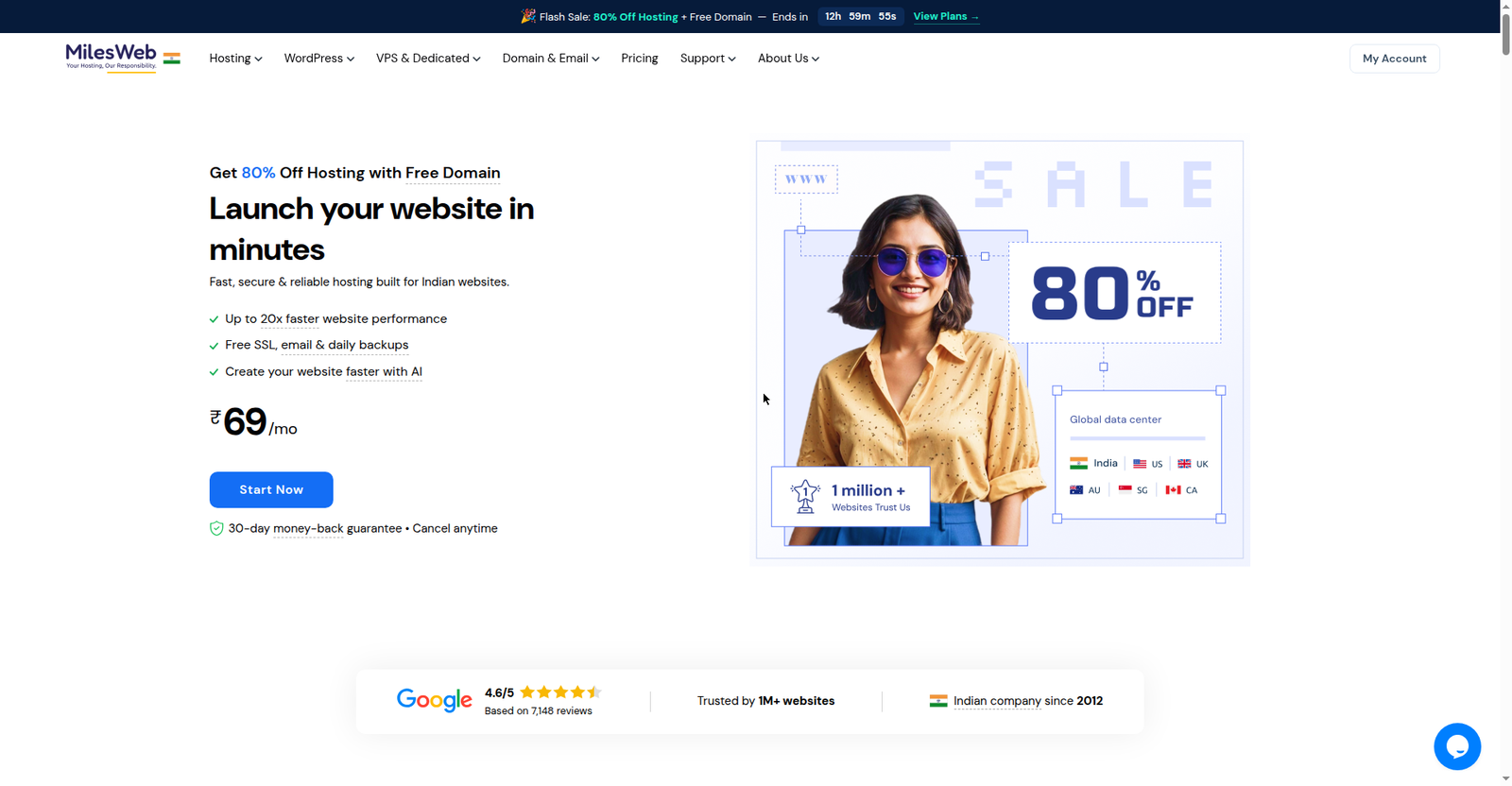 MilesWeb’s homepage — the host’s entry-level cloud plan sits right above its shared plans, with free domain and SSL bundled
This makes sense for a site that has genuinely outgrown shared limits but isn’t ready for the technical responsibility of a full VPS. But remember: ₹499/mo is only worth it when you need it. For a blog with 200 daily visitors, this is still overkill.
Compare Hostinger’s plans and current prices
How people actually waste money on hosting
The most common pattern of waste looks like this:
“A friend said take VPS, it’s future-proof” → bought a ₹1,500/mo unmanaged VPS → stared at the command line in panic → wasted two weeks setting up the site → paid extra for a managed plan → six months later realised the site had 300 visitors a day.
Overbuying in the name of future-proofing is the most expensive habit in hosting. Grow the server when the website grows — not before. Since upgrades are usually free and downtime-free, starting on shared costs you nothing in options.
The other mistake is the opposite: buying the cheapest shared plan blindly. Cramming 5 websites onto a ₹69/mo single-website plan, or committing to 48 months without reading the renewal price. For the complete year-1 versus renewal math, read how much it costs to start a WordPress blog — it breaks the numbers down plan by plan. And to budget the full project before you commit, run our website cost calculator.
Pros and cons in plain language
Shared hosting
- ✅ Cheapest (starts at ₹69/mo), zero technical knowledge needed
- ✅ The company handles security, backups, and updates
- ❌ Resources are shared — a neighbour’s traffic spike can affect you
- ❌ No root access, no custom software installation
VPS hosting
- ✅ Reserved resources — neighbours can’t touch your performance
- ✅ Root access — install anything you want
- ❌ Expensive (₹500–2,500/mo); unmanaged plans need technical skill
- ❌ If the server goes down on unmanaged VPS, it’s your problem
Cloud hosting
- ✅ Easy scaling — add resources for a traffic spike, remove them later
- ✅ High uptime — one server failing doesn’t take your site down
- ❌ Pricing can be unpredictable on pay-as-you-go models
- ❌ Only managed cloud (like MilesWeb Cloud Startup at ₹499/mo) makes sense for beginners
How migration actually works (there’s nothing to fear)
Many beginners stay stuck on shared hosting because they assume “moving later will be a nightmare.” The reality:
- Buy the new plan (VPS/cloud) — easiest within the same host.
- Ask support for free migration — most reputed hosts offer it.
- They copy your entire site to the new server — files, database, everything.
- You test — check the site works properly on the new server.
- DNS switch — once everything looks right, your domain points to the new server, usually with zero or minimal downtime.
The whole process typically finishes in 24–48 hours and requires no technical work from you. Starting on shared hosting is not getting stuck — it’s a reversible decision.
The decision framework: what should a beginner buy?
Three simple steps:
- Is this your first website or blog? → Buy shared hosting. Done.
- Tight budget and no renewal shock wanted? → MilesWeb Starter at ₹69/mo (verified Hindi support, renewal pricing to be confirmed at checkout).
- Want a free domain plus more features, and you know the renewal price? → Hostinger Premium at ₹149/mo intro (renews at ₹449/mo — write that number down).
When the site grows, come back to the hosting comparison tool and compare VPS and cloud plans — by then the signals will make the decision obvious.
 Hostinger’s homepage — the Single vs Premium plans most beginners choose between; see our English plan comparison for the full math
The final word
The hosting type doesn’t decide your website’s ambition — only its needs. A student in a shared flat succeeds just as well as one in an owned flat; when the need arises, they move. Same logic: start on shared, upgrade on signals, never on FOMO.