Choosing the best hosting for a salon website in India is a different problem from choosing hosting for a blog. A salon website exists to convert visitors into bookings — it needs a fast mobile experience, a photo gallery, a location map, and a booking option, all for the lowest sensible cost. This guide compares the two most honest options for that job, with verified prices and full year-1 vs renewal math.
This comparison is based on analysis of public specs, user reviews, and pricing data from official pricing pages (verified 2026-10-09, re-checked against the site’s verified plan data 2026-10-12) — no claims of personal testing, just numbers and straightforward reasoning.
Research methodology
Plan prices below come from Hostinger India’s official pricing page and MilesWeb’s official pricing page, verified on 2026-10-09 and carried into this article’s data files (see src/data/hosting-plans.ts). A 2026-10-11 research pass confirmed both hosts’ plan structures remain current; no changed numbers surfaced. Displayed prices on both hosts exclude 18% GST, which is added at checkout. Promotions rotate, so confirm the final figure at checkout before paying.
What a salon website actually needs from hosting
Before comparing plans, it helps to know what the website will actually do — because the answer rules out both overkill and underpowered choices:
- Booking or enquiry channel: a WhatsApp chat button or a simple booking form, so customers can book an appointment in one tap. This is the single most important feature.
- Photo gallery: haircuts, bridal makeup, facial results — salon work is visual. Thirty to fifty high-quality photos is normal, so you want some storage headroom.
- Google Maps embed: for “salon near me” searches, location is the biggest conversion factor. The map needs to load fast.
- Fast mobile loading: 80%+ of your customers will arrive on a phone. If the site takes more than 3 seconds to load, they go back to Google and open the next salon’s website.
- SSL certificate: the booking form collects names and phone numbers — without SSL, browsers show a “Not Secure” warning. Both recommended hosts include free SSL.
All of this runs comfortably on shared hosting. A VPS or “business cloud” plan would be wasted money for 95% of salons — spend that budget on marketing instead.
Want to see the full multi-year cost before you commit? Run the numbers in our website cost calculator — it breaks down domain + hosting costs year by year.
How much traffic does a salon website really get?
Realistic expectations keep you from overbuying:
- New salon (first 6 months): 200–800 visitors/month — mostly from Google Maps and “salon near me” searches.
- Established local salon: 1,000–5,000 visitors/month — repeat customers plus Instagram/Facebook traffic.
- Multiple branches or bridal specialist: 5,000–20,000 visitors/month — still within shared hosting’s comfort zone.
Shared hosting typically handles 10,000–25,000 visits per month without breaking a sweat. Only when you know heavy traffic is coming does it make sense to pay for more.
Best hosting plans for a salon website: the two honest picks
Based on verified specs and pricing, there are two plans worth shortlisting — one budget pick and one stress-free pick.
Pick 1: Hostinger Premium — the budget pick (₹149/mo intro)
- Host up to 3 websites — your salon’s main site plus a separate landing page (for example, bridal packages) if you want one
- 20 GB SSD storage — comfortable for a photo gallery
- Free domain for 1 year, free SSL, weekly backups
- Renewal: ₹449/mo — write this number down before you buy
Best for owners who can handle a little technical setup themselves and want the lowest first-year cost. For the full intro-vs-renewal breakdown, see Hostinger Single vs Premium Plan: Which Should You Buy?.
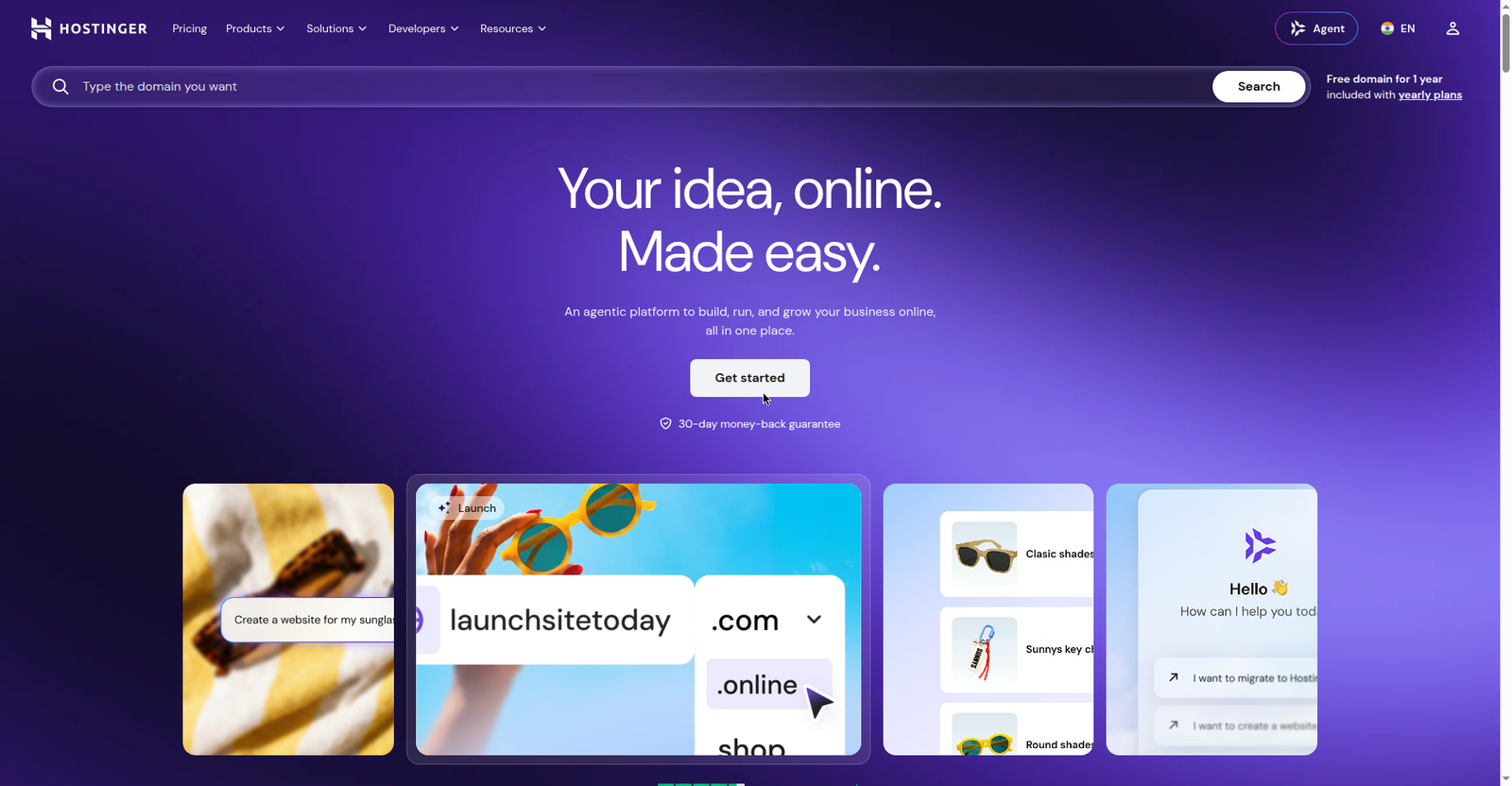 Hostinger.com — the budget pick’s homepage; its plans page shows the Single vs Premium difference clearly
Check Hostinger Premium’s current price
Pick 2: MilesWeb Business — the stress-free pick (₹199/mo, same at renewal)
- 50 websites, 100 GB NVMe storage — plenty of room to grow
- Free domain for 1 year, free SSL, daily + on-demand backups
- Same ₹199/mo at renewal — guaranteed, no price shock (18% GST added at checkout)
- 24/7 support in Hindi (verified) — the biggest advantage for non-technical salon owners
If your worry is “who do I call when something breaks at 10 PM,” Hindi support matters more than any spec sheet. Explaining a problem to support in Hindi beats an English ticket queue when your booking page is down.
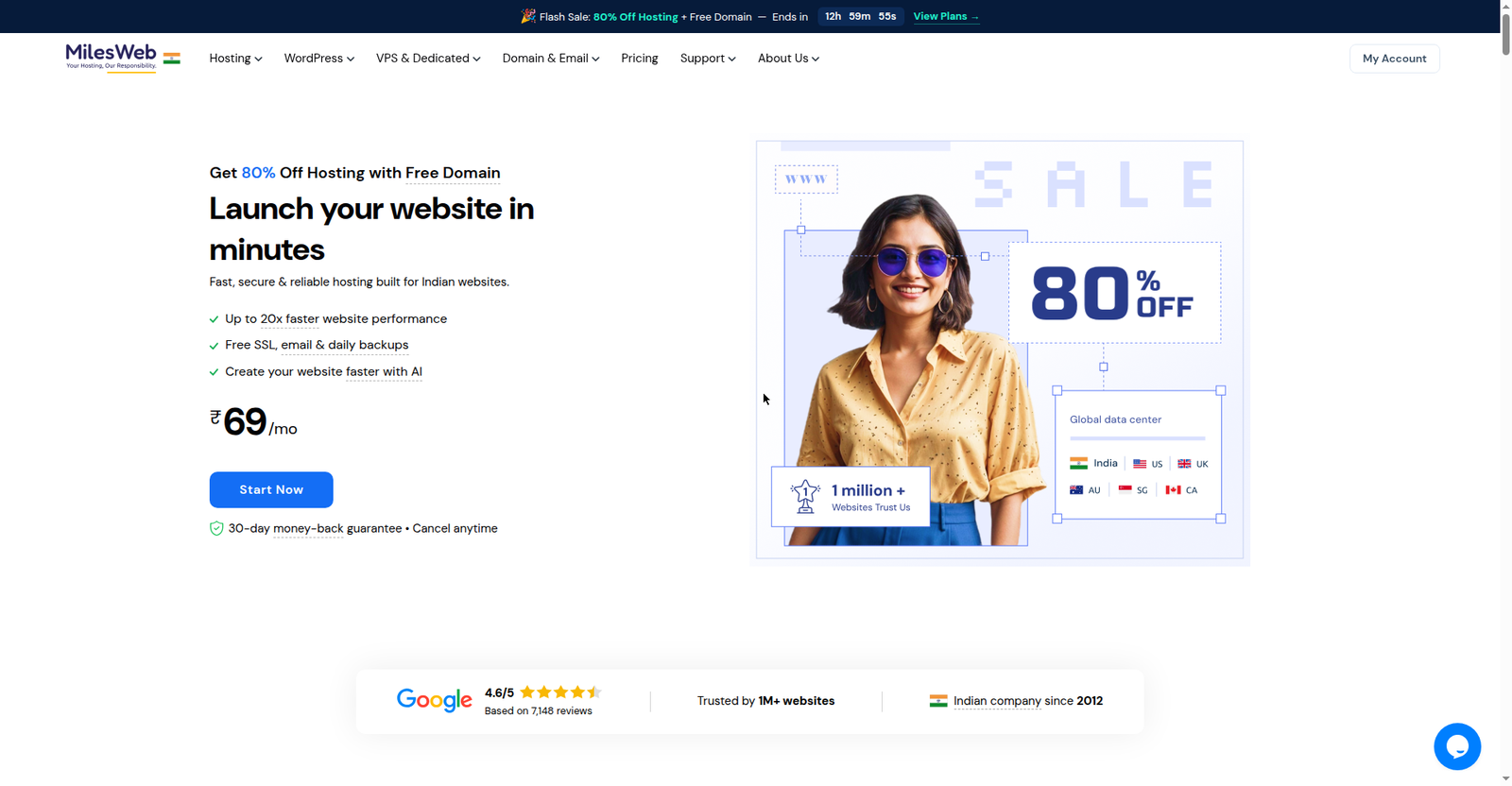 MilesWeb.in — Hindi support and the guaranteed same-price renewal are its strongest selling points
See MilesWeb Business plan details
Want a feature-by-feature view of both? Open the hosting comparison tool.
Cost table: year 1 vs renewal (domain + hosting)
A salon owner should always look at two years of costs together, not just the headline price:
| Cost | Hostinger Premium | MilesWeb Business |
|---|---|---|
| Hosting (year 1, intro) | ₹149 × 12 = ₹1,788 | ₹199 × 12 = ₹2,388 (+18% GST ≈ ₹2,818) |
| Domain (year 1) | Free (1 year included) | Free (1 year included) |
| SSL | Free | Free |
| Year 1 total (approx.) | ~₹1,788 | ~₹2,818 |
| Hosting (renewal/year) | ₹449 × 12 = ₹5,388 | ₹199 × 12 = ₹2,388 (+GST ≈ ₹2,818) |
| Domain renewal (from year 2) | ~₹1,000–1,500/yr (approx.) | ~₹1,000–1,500/yr (approx.) |
Two things to notice:
- Hostinger is cheaper in year 1, more expensive from year 2. Taking the 48-month term locks the intro price for longer and shrinks this gap.
- MilesWeb costs the same both years — budgeting is simple and there are no surprises.
The domain renewal (~₹1,000–1,500/year for .in or .com, approximate) applies from year two with every host — there is no way around it, so budget for it regardless of which plan you pick.
5 things to check before buying hosting for your salon
Read this checklist once before you enter card details — these are the points where first-time website owners usually get stuck:
-
Understand the billing term. The ₹149/mo price only applies when you pay for the 48-month term upfront — roughly ₹7,150 on day one. Shorter terms cost more per month. Choose the term that fits your cash flow, not just the headline price.
-
Check the money-back policy. MilesWeb offers a 30-day money-back guarantee — if the service doesn’t suit you in the first month, you can get a refund. Reading refund terms before buying is never wasted time.
-
Do the GST math. Both hosts add 18% GST at checkout — MilesWeb’s ₹199/mo works out to about ₹235/mo in reality. It is a small amount, but put it in your business budget now so your books don’t surprise you later.
-
Note the free domain’s expiry. The free domain covers year one only; from year two it costs ~₹1,000–1,500/year. Set a reminder 15 days before renewal — recovering an expired domain is expensive and messy.
-
Don’t rely on the host’s backup alone. Hosts provide weekly or daily backups, but download your own copy once a month — it takes five minutes and saves you one day when you need it, especially before making big changes.
DIY vs developer: build it yourself or hire someone?
The question every salon owner asks, answered honestly:
Build it yourself (DIY) — when:
- You are comfortable with basic computer work and learning from YouTube
- The site is simple: services, prices, gallery, WhatsApp button, map
- Your budget is limited to ₹2,000–3,000/year
- A decent salon site takes 1–2 days with WordPress + a free theme + a WhatsApp chat plugin
Hire a developer — when:
- You have zero time and want to focus on the business
- You need a proper booking system with advance payments
- You want a professional design immediately
There is also a middle path: start DIY in year one (only the hosting cost), then hire a developer for an upgrade once bookings grow. By then you will also know exactly how many customers the website brings in — which makes the developer’s fee easy to justify.
One non-negotiable, whichever route you take: buy the hosting in your own name. It is disturbingly common for a developer to buy hosting on their own account, disappear, and leave the site stranded. Domain and hosting must always stay under the owner’s control.
Hostinger or MilesWeb — whichever you choose, create the account with your own email ID. A tiny habit that prevents a huge loss.